 EN
EN
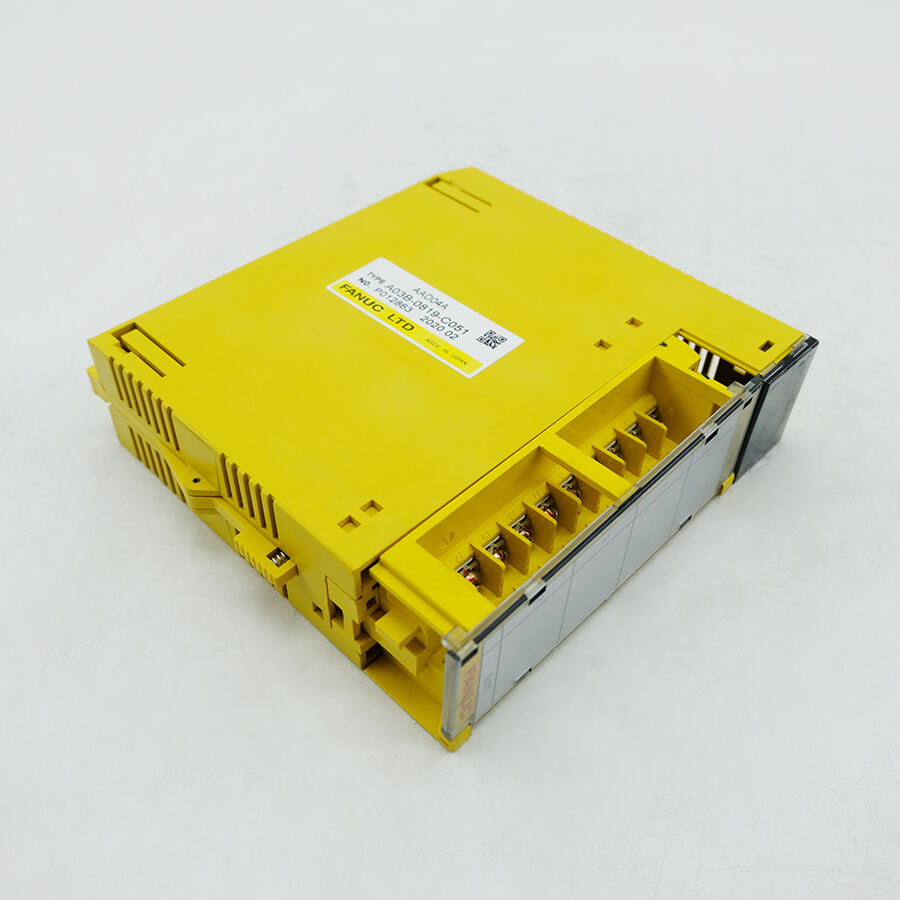
Adding an IO card to an existing Point IO rack is a fundamental skill that industrial automation professionals must master to maintain and expand control systems effectively. This process involves careful planning, proper shutdown procedures, and systematic installation techniques to ensure seamless integration without disrupting ongoing operations. Understanding the technical requirements and compatibility factors will help you successfully incorporate additional input/output capabilities into your existing automation infrastructure.
Understanding Point IO System Architecture
Fundamental Components of Point IO Systems
Point IO systems represent a distributed architecture that allows for flexible placement of input and output modules throughout industrial facilities. The system consists of a communication adapter, terminal base units, and various IO card modules that handle specific signal types. Each component plays a crucial role in maintaining reliable communication between field devices and the central control system. The modular design enables easy expansion and maintenance while providing excellent diagnostic capabilities for troubleshooting purposes.
The communication adapter serves as the primary interface between the Point IO rack and the control network, translating digital communication protocols into actionable commands for individual modules. Terminal bases provide the mechanical mounting structure and electrical connections necessary for IO card operation. These bases are designed with specific slot configurations that determine the types and quantities of modules that can be installed in each rack assembly.
Signal Types and Module Classifications
IO card modules are classified according to their signal handling capabilities, including digital input, digital output, analog input, and analog output functions. Digital modules typically handle discrete on-off signals from devices such as limit switches, pushbuttons, and solenoid valves. Analog modules process continuous signals from sensors measuring temperature, pressure, flow rates, and other variable parameters. Understanding these classifications is essential when selecting appropriate modules for specific application requirements.
Advanced IO card variants include high-speed counter modules, thermocouple input modules, and specialty communication interfaces for connecting legacy equipment. Each module type requires specific wiring configurations and software setup procedures to function correctly within the overall system architecture. Proper module selection ensures optimal performance and minimizes potential compatibility issues during installation and operation.
Pre-Installation Planning and Assessment
System Compatibility Verification
Before adding any new IO card to an existing Point IO rack, thorough compatibility assessment must be conducted to ensure proper integration. This includes verifying the communication adapter capacity, available terminal base slots, and power supply requirements for the additional module. Reviewing the existing system documentation helps identify potential conflicts and determines whether firmware updates or configuration changes are necessary for successful installation.
Power budget calculations are particularly important when adding new modules, as each IO card consumes specific amounts of current from the system power supply. Exceeding the power supply capacity can result in system instability, communication errors, or complete system shutdown. Consulting manufacturer specifications and conducting load analysis prevents these issues and ensures reliable long-term operation of the expanded system.
Documentation and Backup Procedures
Comprehensive documentation of the existing system configuration should be created before beginning any modification work. This includes capturing current wiring diagrams, module addressing schemes, and software configurations that may be affected by the addition of new IO cards. Creating backup copies of programming files and configuration data provides a safety net for rapid system recovery if unexpected issues arise during the installation process.
Establishing clear communication protocols with operations personnel ensures that production schedules and safety requirements are properly coordinated during the installation window. Developing detailed work plans with specific timelines and rollback procedures minimizes downtime and reduces the risk of extended system outages that could impact facility productivity.
Installation Procedures and Best Practices
Safety Protocols and System Shutdown
Proper safety protocols must be followed when working with live industrial control systems, beginning with complete power isolation and lockout/tagout procedures. Even though Point IO systems are designed for hot-swappable operation in some configurations, adding new terminal bases or making significant wiring changes typically requires full system shutdown to ensure personnel safety and prevent equipment damage.
Verification of zero energy state using appropriate testing equipment confirms that all electrical hazards have been eliminated before beginning physical installation work. Personal protective equipment requirements should be reviewed and strictly followed throughout the installation process. Emergency response procedures should be clearly communicated to all personnel involved in the work to ensure rapid response to any unexpected situations.
Physical Installation Techniques
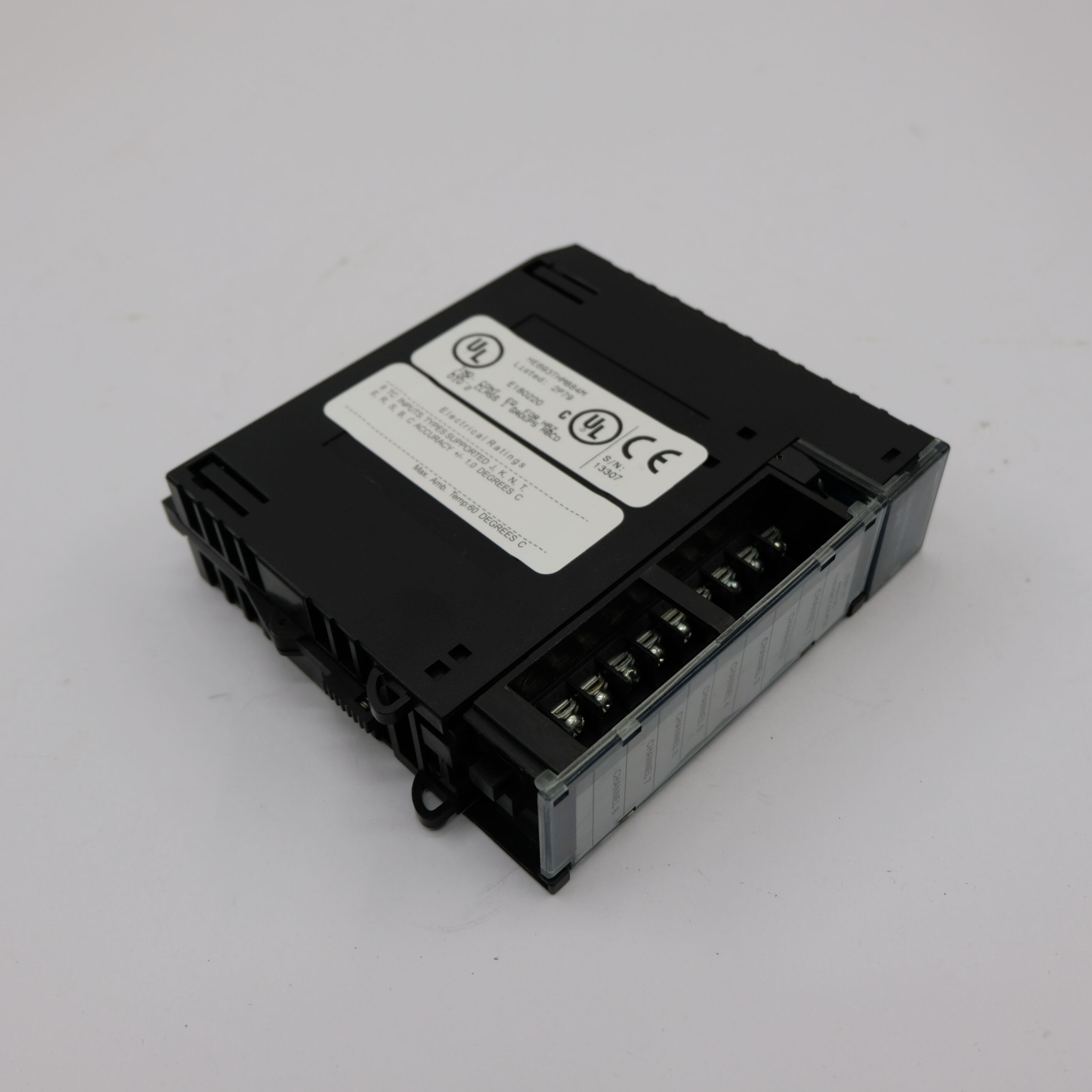
Installing a new IO card begins with proper positioning of the terminal base unit on the DIN rail system, ensuring adequate spacing for wiring access and future maintenance activities. The terminal base must be securely mounted and properly aligned with adjacent modules to maintain system integrity and communication continuity. Careful attention to mechanical connections prevents vibration-related issues that could cause intermittent faults or communication disruptions.
Wiring connections should be made according to manufacturer specifications, using appropriate wire gauges and termination techniques for the specific signal types being handled. Proper wire routing and strain relief prevent mechanical stress on connections while maintaining neat and organized cable management. Following established wiring standards ensures consistency with existing installations and simplifies future troubleshooting efforts.
Configuration and Testing Procedures
Software Configuration Requirements
After physical installation is complete, software configuration of the new IO card must be performed using the appropriate programming tools and communication interfaces. This involves adding the new module to the existing IO tree structure, assigning appropriate addresses, and configuring signal scaling parameters for analog modules. Proper configuration ensures seamless integration with existing control logic and maintains system performance standards.
Module-specific parameters such as input filtering, output update rates, and diagnostic alarm thresholds should be configured according to application requirements and manufacturer recommendations. These settings directly impact system response characteristics and fault detection capabilities. Documenting all configuration changes provides valuable reference information for future maintenance and troubleshooting activities.
System Testing and Validation
Comprehensive testing procedures verify proper IO card functionality before returning the system to normal operation. This includes checking individual input and output points, verifying communication integrity, and confirming that diagnostic functions operate correctly. Systematic testing approaches help identify potential issues before they impact production operations and ensure reliable long-term performance.
Integration testing with existing control logic validates that the new IO card operates properly within the complete system context. This may involve simulating various operating conditions and fault scenarios to verify appropriate system responses. Performance monitoring during initial operation periods helps identify any unexpected behaviors or optimization opportunities that may enhance overall system effectiveness.
Troubleshooting and Maintenance Considerations
Common Installation Issues
Several common issues can occur during IO card installation, including communication failures, power supply problems, and wiring errors that prevent proper module operation. Communication issues often result from addressing conflicts, incorrect module configuration, or physical connection problems with the communication bus. Systematic diagnostic procedures help isolate these problems and guide appropriate corrective actions.
Power-related problems may manifest as intermittent operation, communication dropouts, or complete module failure to initialize properly. These issues typically indicate insufficient power supply capacity or poor electrical connections within the power distribution system. Monitoring power consumption and voltage levels during system startup helps identify and resolve these types of problems effectively.
Long-term Maintenance Strategies
Establishing regular maintenance schedules for IO card systems ensures continued reliability and early detection of potential problems. This includes periodic inspection of physical connections, verification of module diagnostic status, and performance trending to identify gradual degradation patterns. Proactive maintenance approaches minimize unexpected failures and extend overall system life.
Maintaining accurate documentation of all system modifications, including IO card additions, provides valuable information for future troubleshooting and expansion projects. Regular updates to wiring diagrams, configuration files, and maintenance records ensure that system information remains current and accessible to maintenance personnel. This documentation becomes increasingly valuable as systems age and original installation personnel may no longer be available.
FAQ
Can I add an IO card to a Point IO rack while the system is running
While some Point IO systems support hot-swappable modules, adding new terminal bases or making significant wiring changes typically requires system shutdown for safety reasons. The capability depends on your specific system configuration and the type of module being installed. Always consult manufacturer documentation and follow proper safety protocols before attempting any live system modifications to prevent equipment damage or personnel injury.
What happens if I exceed the power supply capacity when adding new modules
Exceeding power supply capacity can cause system instability, communication errors, random module failures, or complete system shutdown. Each IO card has specific power consumption requirements that must be calculated against available supply capacity. If additional modules would exceed capacity, you may need to add supplementary power supplies or redistribute modules across multiple racks to maintain reliable operation.
How do I determine the correct addressing for a new IO card
IO card addressing typically follows the physical slot position within the rack, with addresses automatically assigned based on module location. However, some systems allow manual address configuration through software tools or hardware switches. Review your existing system configuration to understand the addressing scheme and ensure the new module receives a unique address that does not conflict with existing modules.
What diagnostic features help monitor IO card performance after installation
Modern IO card modules provide extensive diagnostic capabilities including communication status indicators, power supply monitoring, input/output fault detection, and module health reporting. These diagnostics are typically accessible through programming software or HMI interfaces, allowing real-time monitoring of module performance and early detection of potential problems. Regular review of diagnostic information helps maintain optimal system performance and prevents unexpected failures.